# iaimage
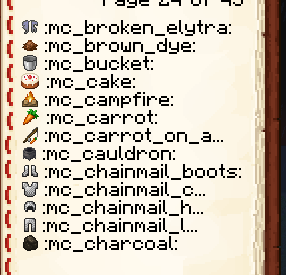
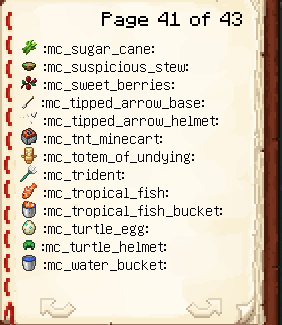
This command shows you a list of all the font images (for example emojis) that are available to be used in chat/commands/signs/books.
## Book customization
You can customize some parts the book shown with that command.
### Change book font to Minecraft default font (default plugin option)
```yaml
iaimage-book:
max-line-length: 18
placeholder-font: "minecraft:default"
```
It's advised to set `max-line-length: 18`, this allows long texts to use the whole available line space.
### Change book font to Minecraft thin font
```yaml
iaimage-book:
max-line-length: 22
placeholder-font: "uniform"
```
It's advised to set `max-line-length: 22`, this allows long texts to use the whole available line space.\
The plugin should avoid too long texts to overflow and go to the next line, but if that happens you have to reduce the length value to `20` or lower.